← Otto User GuideLauncher
otto-launcher is a keyboard-driven overlay for starting applications and
jumping to windows: press a key, type a few letters, press Enter.
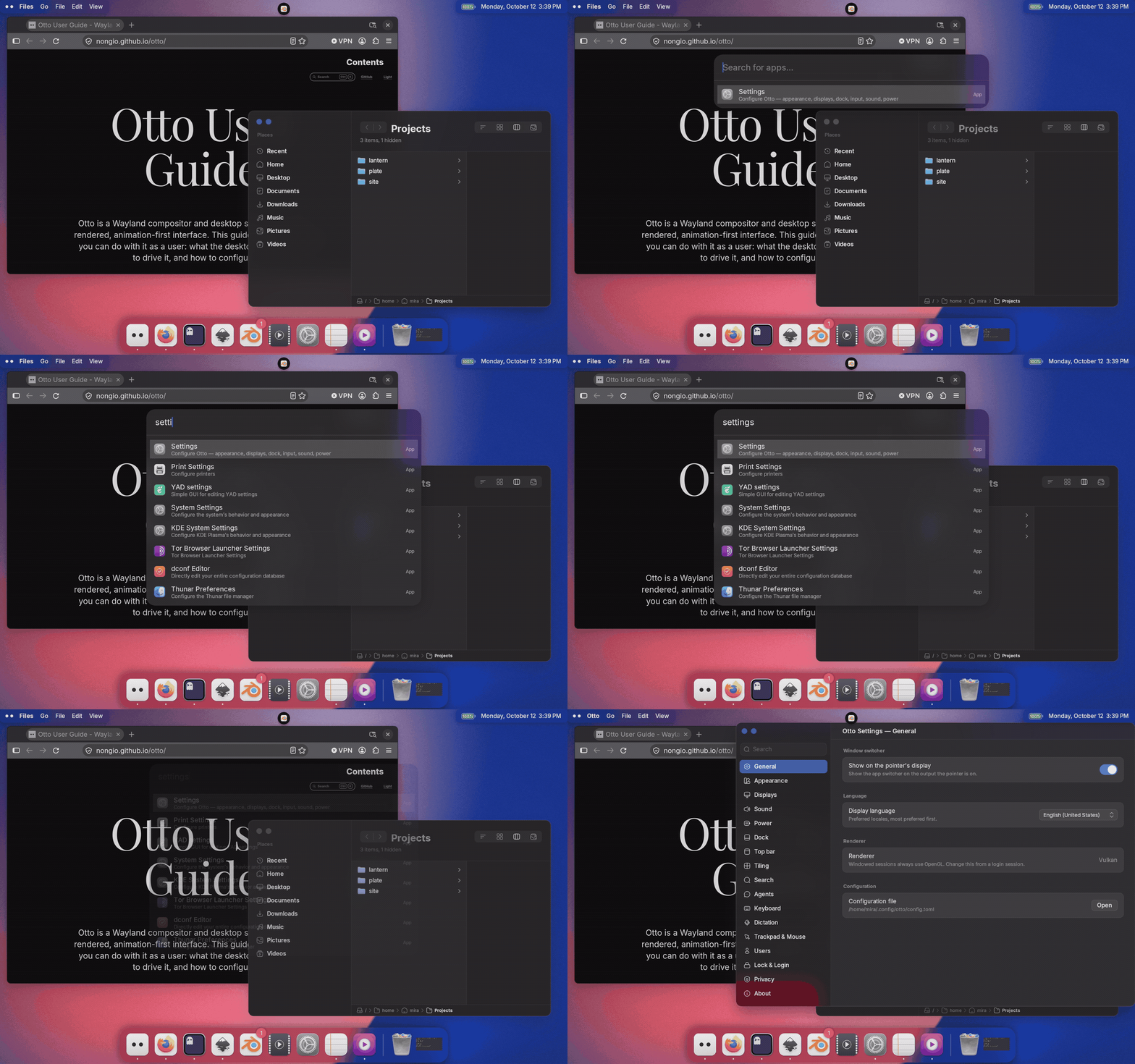
First version. It does applications, windows and arithmetic well; it is built so other kinds of result can be added later, and those are not there yet.
Opening it
The default bindings are:
| Keys | Opens |
|---|---|
Ctrl+Space | Applications |
Ctrl+Shift+P | Open windows |
Both are ordinary shortcuts in otto_config.toml running otto-launcher (with
--windows for the second), so you can rebind them like any other. See
Keyboard Shortcuts.
While the launcher is up it takes the keyboard exclusively: every keystroke goes to it, not to the window underneath.
Using it
Type to filter. Ranking puts what you meant first — a match at the start of a name beats one in the middle, a run of adjacent letters beats scattered ones, and a short name beats a long one that happens to contain the same letters.
| Keys | Effect |
|---|---|
Up / Down, Tab / Shift+Tab, Ctrl+P / Ctrl+N | Move the selection, wrapping at both ends |
Page Up / Page Down | Move by a screenful |
Enter | Launch the application, or focus the window |
Escape | Close without acting |
The query field takes the usual editing keys: word-wise motion with Ctrl,
select-all with Ctrl+A, delete the previous word with Ctrl+W, clear the
query with Ctrl+U.
With nothing typed, the application launcher shows the last three things you started from it — not a list of everything installed. The window switcher is the opposite: an empty query lists every open window, most recently focused first, because browsing is the point there.
Arithmetic
Type a complete expression with at least one operator (128*1.21, (90+45)/2)
and the answer appears as the first row, above the matches. Acting on it
copies the result. A bare number is treated as a search, not a sum. A comma
works as a decimal separator, and the answer is written with whichever
separator you used.
Not there yet
- Other kinds of result: files, clipboard history, unit conversion.
- Running a shell command typed into the field.
- Ranking by how often you pick something.